Find/Search
- Find the Search box at the top of your messages
- Type word or name in the Search box. Messages that contain the word or name you specified appear with the search text highlighted in the results.

Refine Search
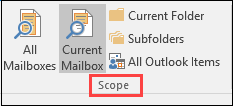
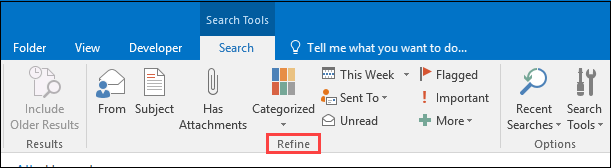
If you can’t find what you’re looking for, use the Search Tools contextual tab on the Ribbon to narrow down your search. When you click the Search box, you can select a Scope option; you can then refine your search further by selecting an option such as the subject line or sender.