This article contains how to create a Contact Group. Contact groups are used to email multiple people - within a team, committee, or working on a project together - without having to add each person to the "To", "Cc", or "Bcc" lines.
Creating a Contact Group using your Address book
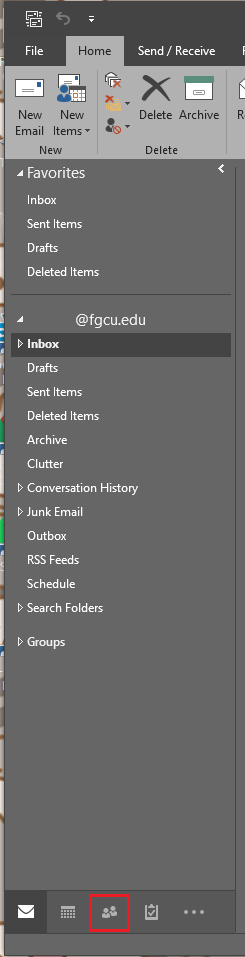
- On the Navigation Bar, Click on the People Symbol

- Under "My Contacts", select the folder you would like to use to save the Contact Group in.
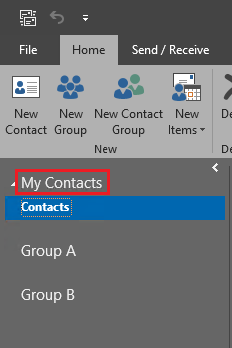
- On the Ribbon, under "New" select "New Contact Group"

- Name the Contact Group
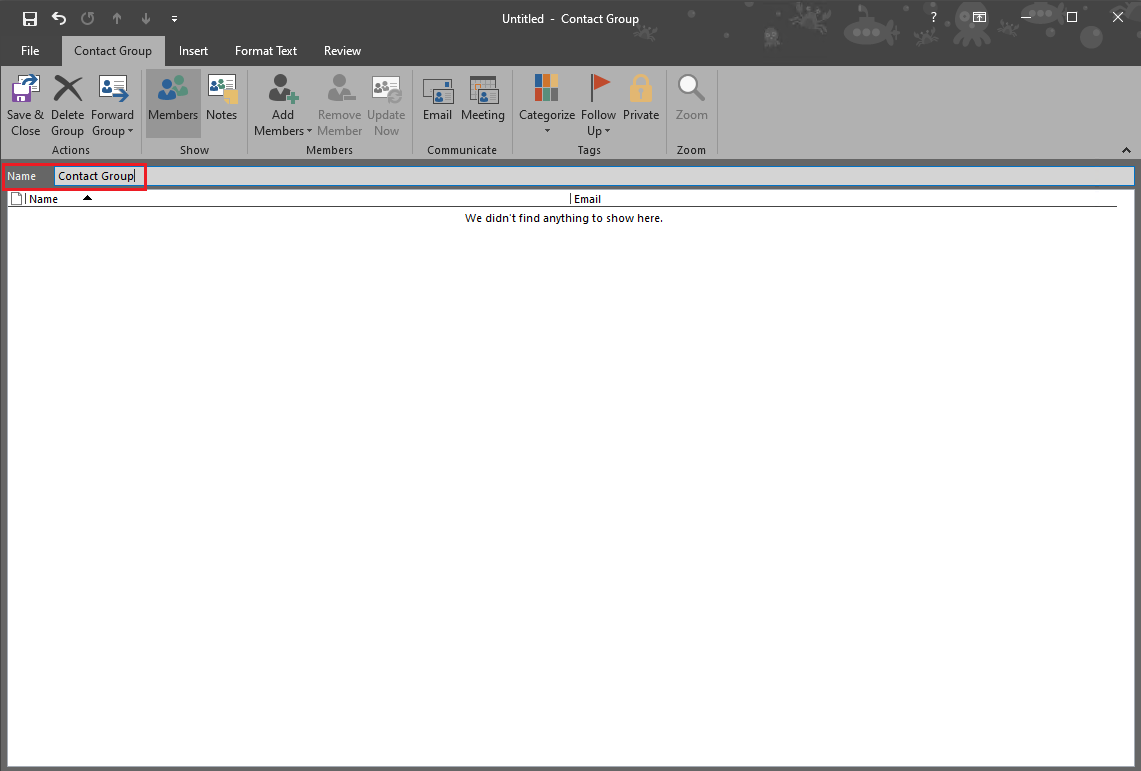
- In the Ribbon, under "Members" click on "Add Members"

- Select the people from your Address Book you would like to add
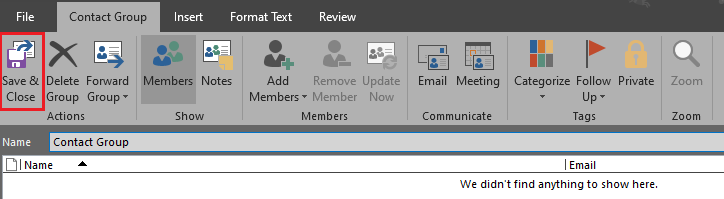
- Click "Save & Close"
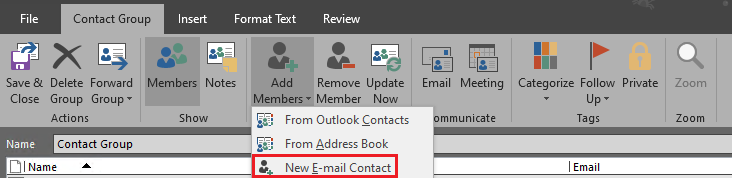
NOTE: To add a member who is not in your address book, select "New E-mail Contact"